Back to Case Study
Supplier Food Safety Query Portal
Designing a compliance management tool for QA teams at food companies
Company
SmartFoodSafe
My Role
Research, flows, UI, Prototype
Timeline
5 days
Results
Assignment shortlisted
Milestone 04
Web application
The Goal
QA teams (Quality Assurance teams : the people responsible for making sure food is safe) at food companies manage dozens of suppliers. Each supplier must prove they are safe, through certificates, allergen declarations (documents listing which allergy-causing ingredients are used), and audit reports.
The goal of this project was to design a module (a section of a larger software product) that helps these teams manage everything in one place.
Process overview
Understand → Define → Ideate → Design → Validate
Competitor Analysis
Instead of opening with a list of suppliers or a menu of options, the product opens with a risk-first view via F-Pattern Reading Behavior. Expiring certificates counted down in days. Overdue queries flagged in red. High-risk suppliers sorted by danger, not alphabetically. Everything that needs action today, visible in under five seconds.


Market Positioning
I mapped competitor apps on this graph to understand their market position across education, business, and creative use cases.

Institutions
Creative schools, studios, and clubs offering online classes

55 % Use Zoom for private sessions, 1:1 coaching, and specialized workshops.
Instructors
Live instructors for yoga, dance, music, and drama.
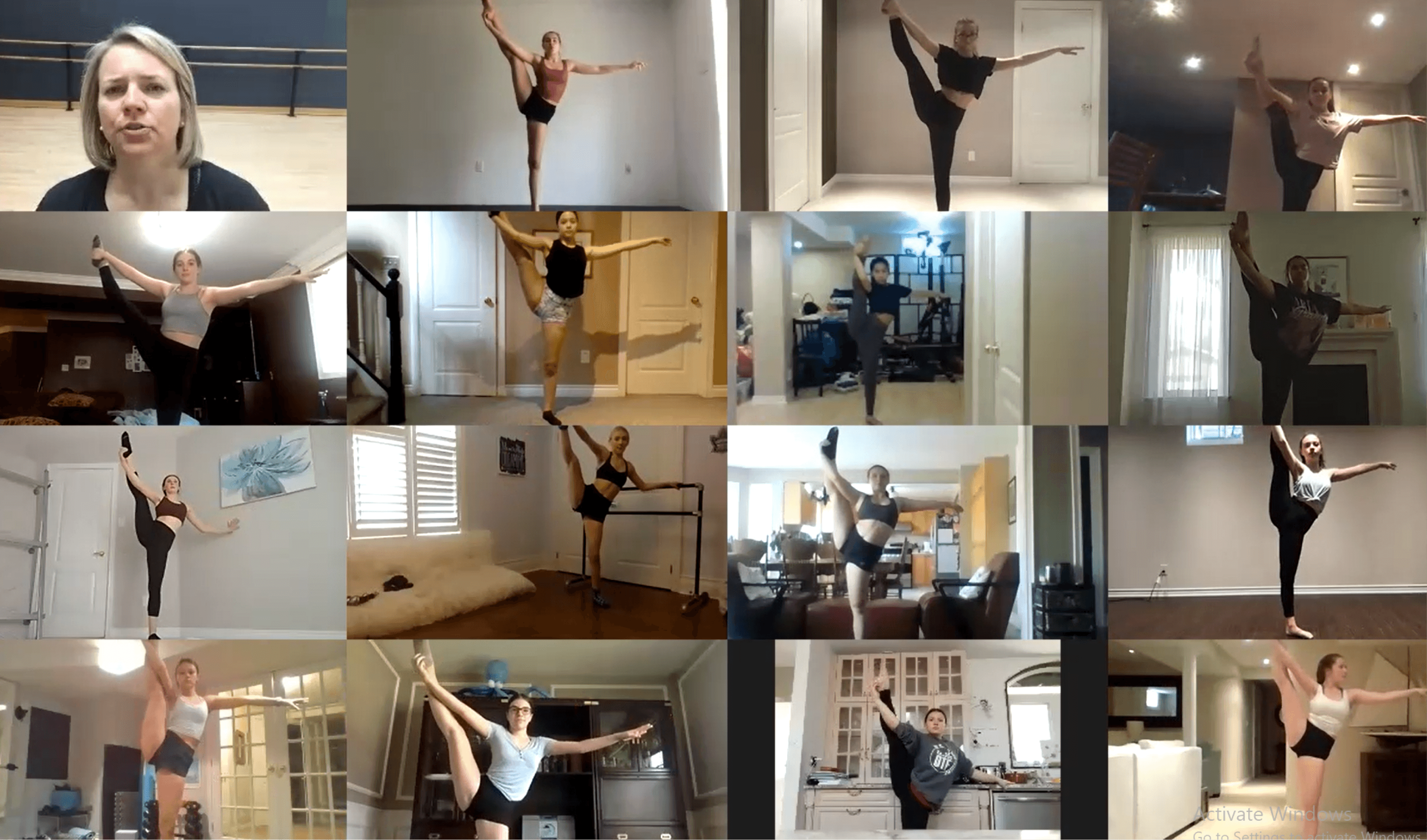
41% Use Zoom to demonstrate, not just explain, enabling expressive learning.
Learners
Join classes remotely from homes or studios
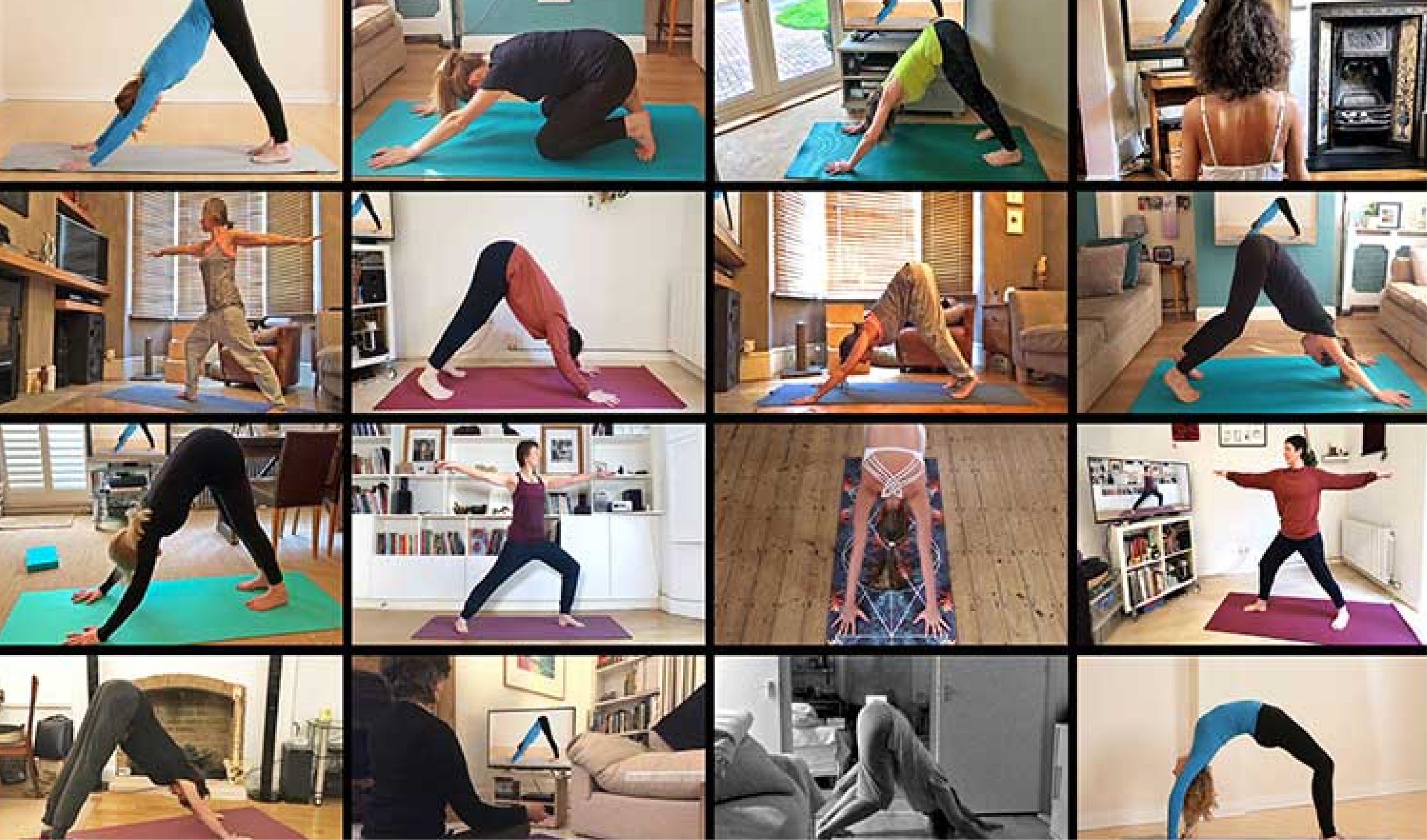
63% Rely on Zoom for flexibility, feedback, and practical learning.
Primary Research
I conducted interviews and observations with performing artists actively using Zoom to teach. This included yoga instructors, dance coaches, drama facilitators, and music tutors.
~65%
of session time (Avg) time spent troubleshooting tech setup
15+
Total responses from yoga, dance, drama, music and visula arts
Methods Used
Circulated Google Forms in artist communities
1-on-1 Interviews (Zoom, Gmeets, Phone)
Screen recordings + user journey storytelling
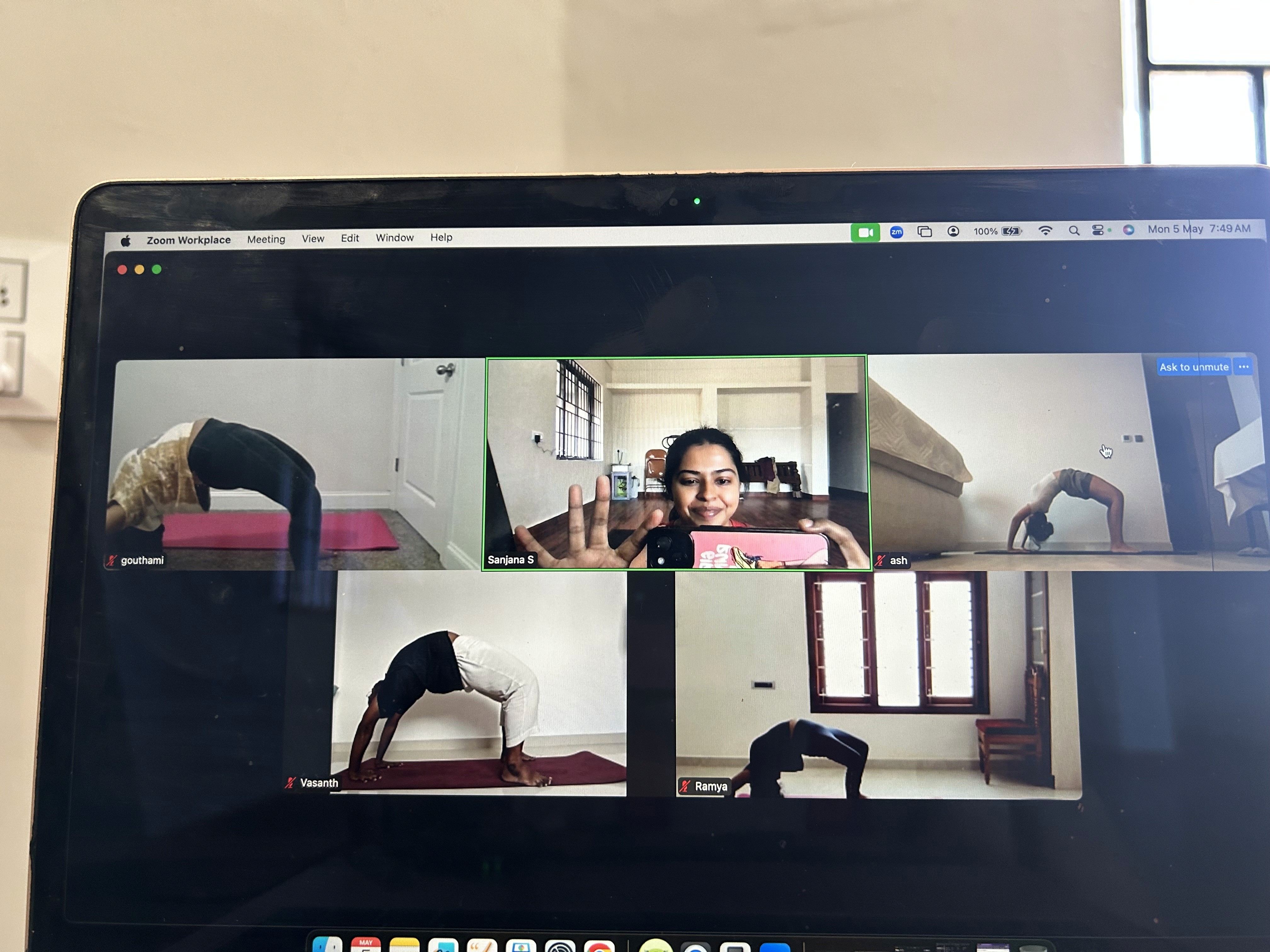
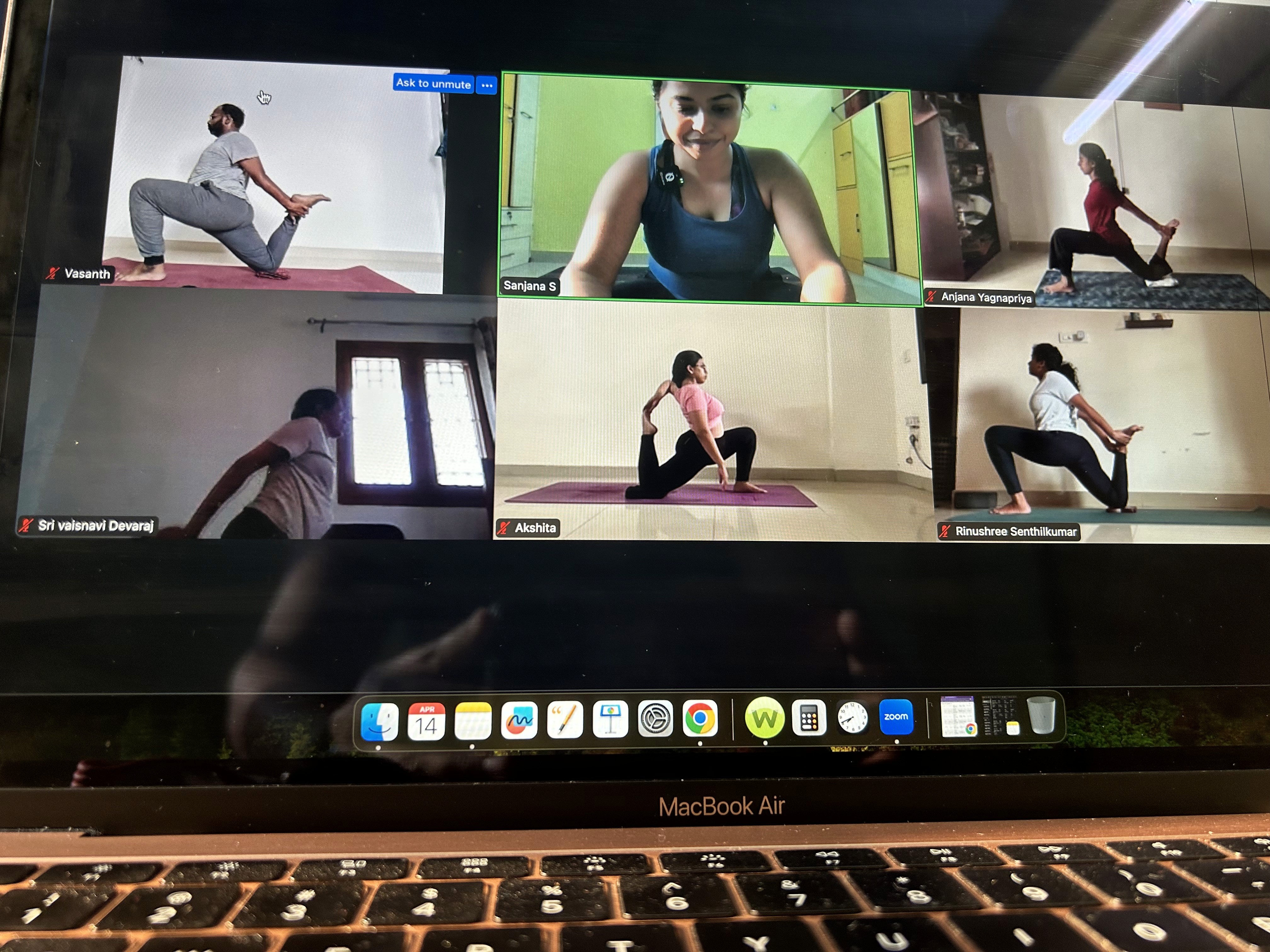

User Interviews by Artists
Sanjana S - Yoga Instructor
Age
32
Role
Yoga Instructor
Location
Bengaluru, India
Class Type
Solo and group sessions on Zoom
Academy
Asana with Sanjana
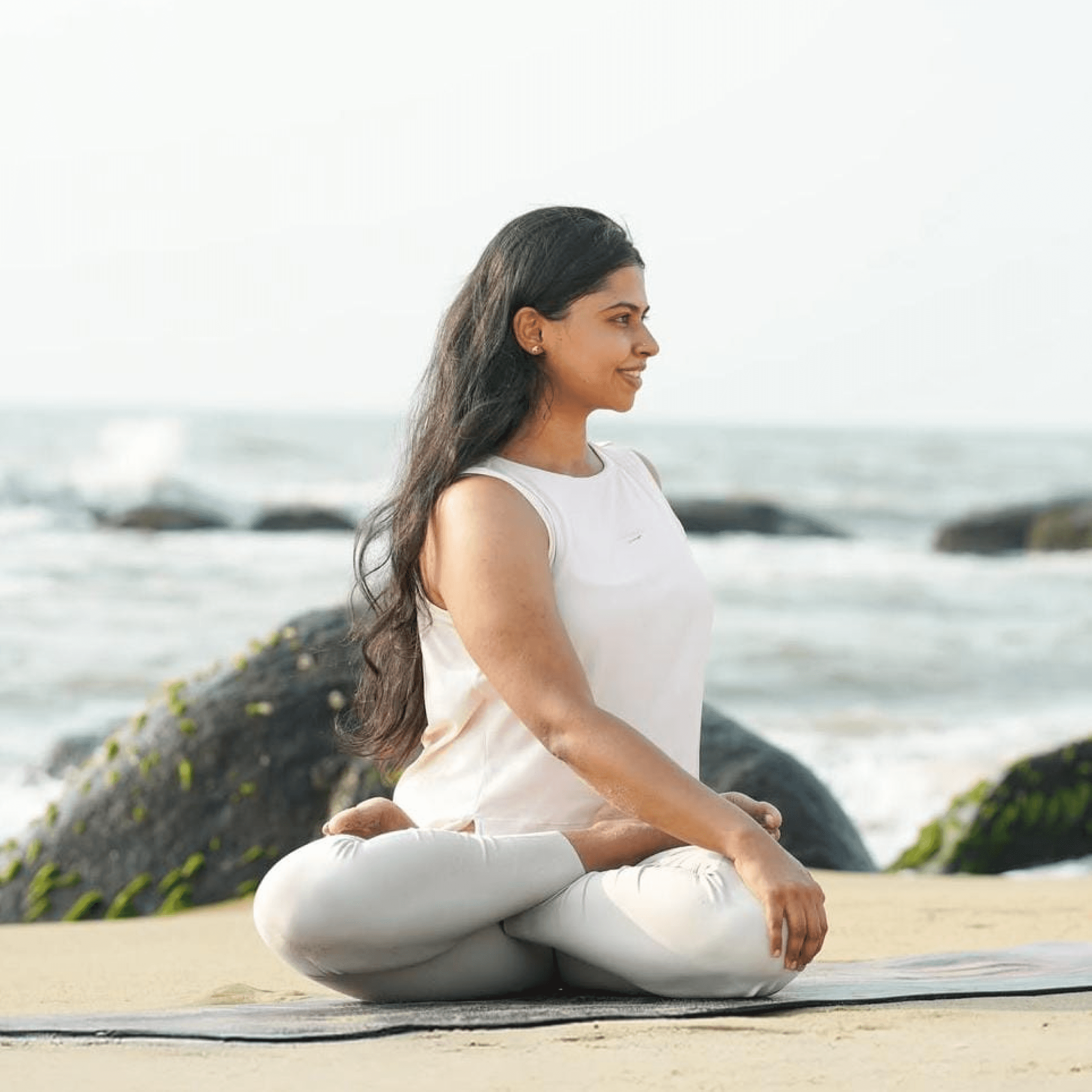
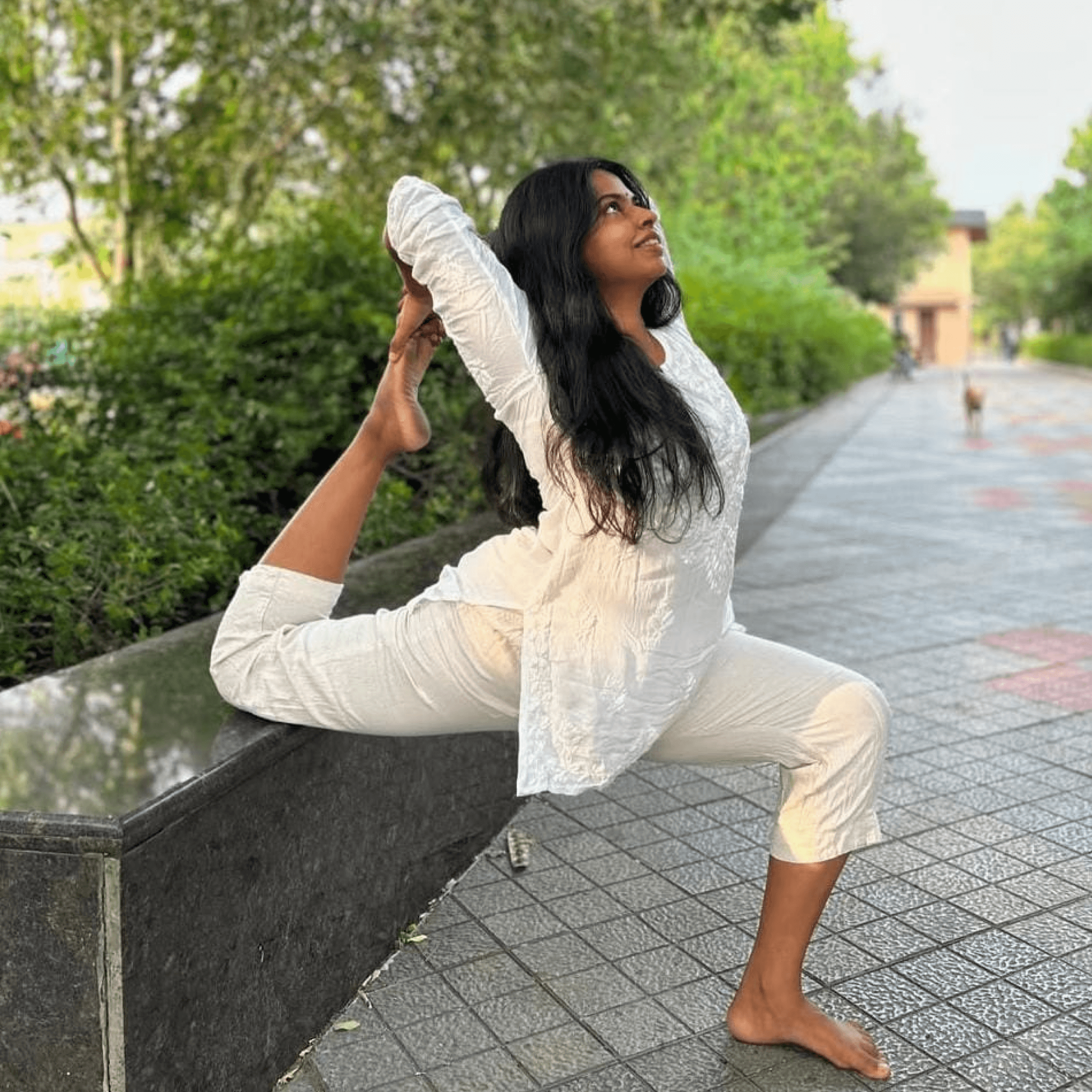

“I’ve tried other platforms, i liked the interface of zoom, it had quality with lesser signal, recordings were easy to share.”
Dr. Suparna Banerjee – Dance Instructor
Age
48
Role
Dance Educator
Location
Kolkata, India
Class Type
Solo and group sessions on Zoom
Academy
Amad Academy of Performing Arts



“I’ve tried other platforms, i liked the interface of zoom, it had quality with lesser signal, recordings were easy to share.”
Performing Artists in Digital Education
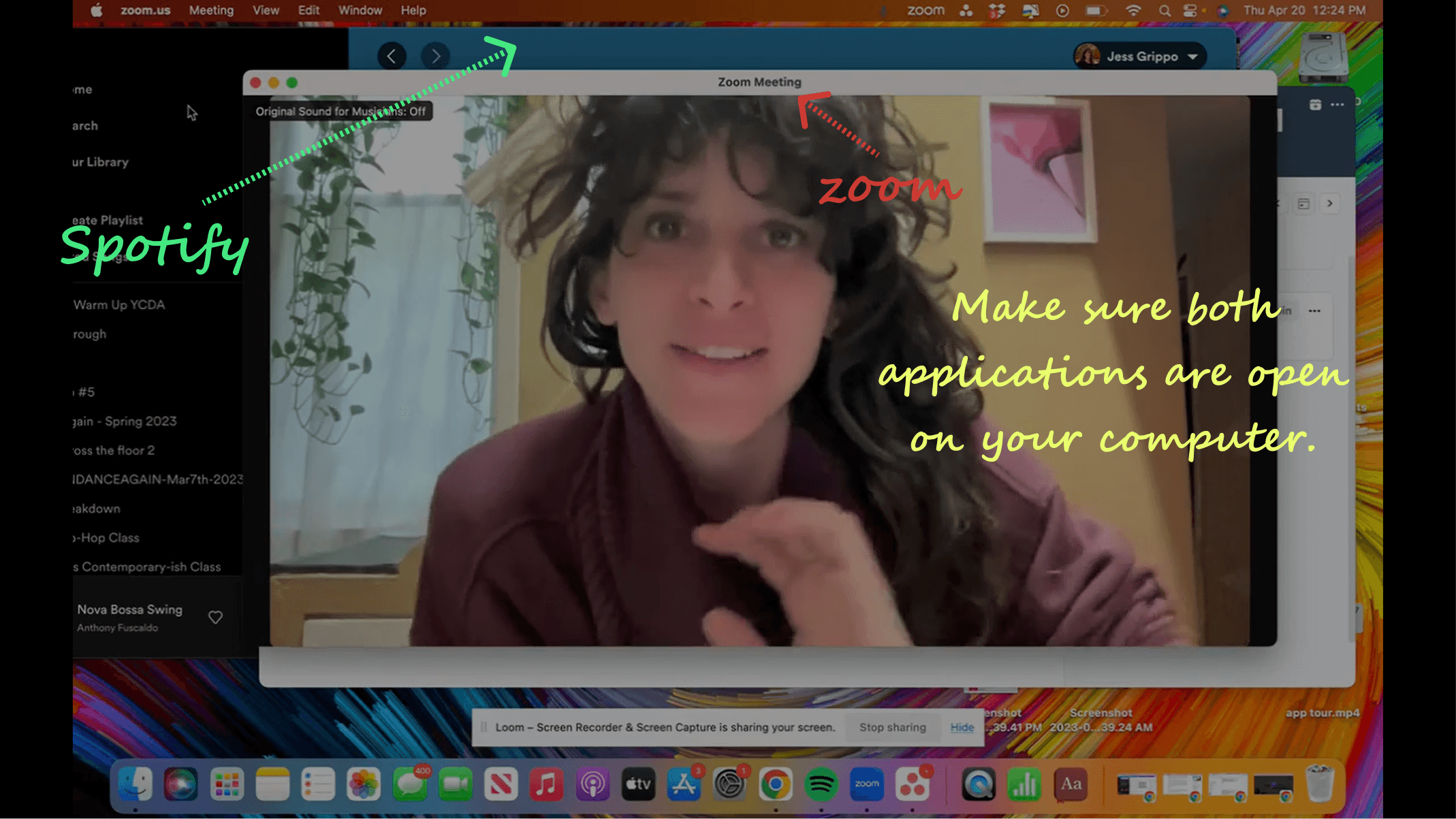
Launch Apps Together
Open Zoom and your music player before class begins.
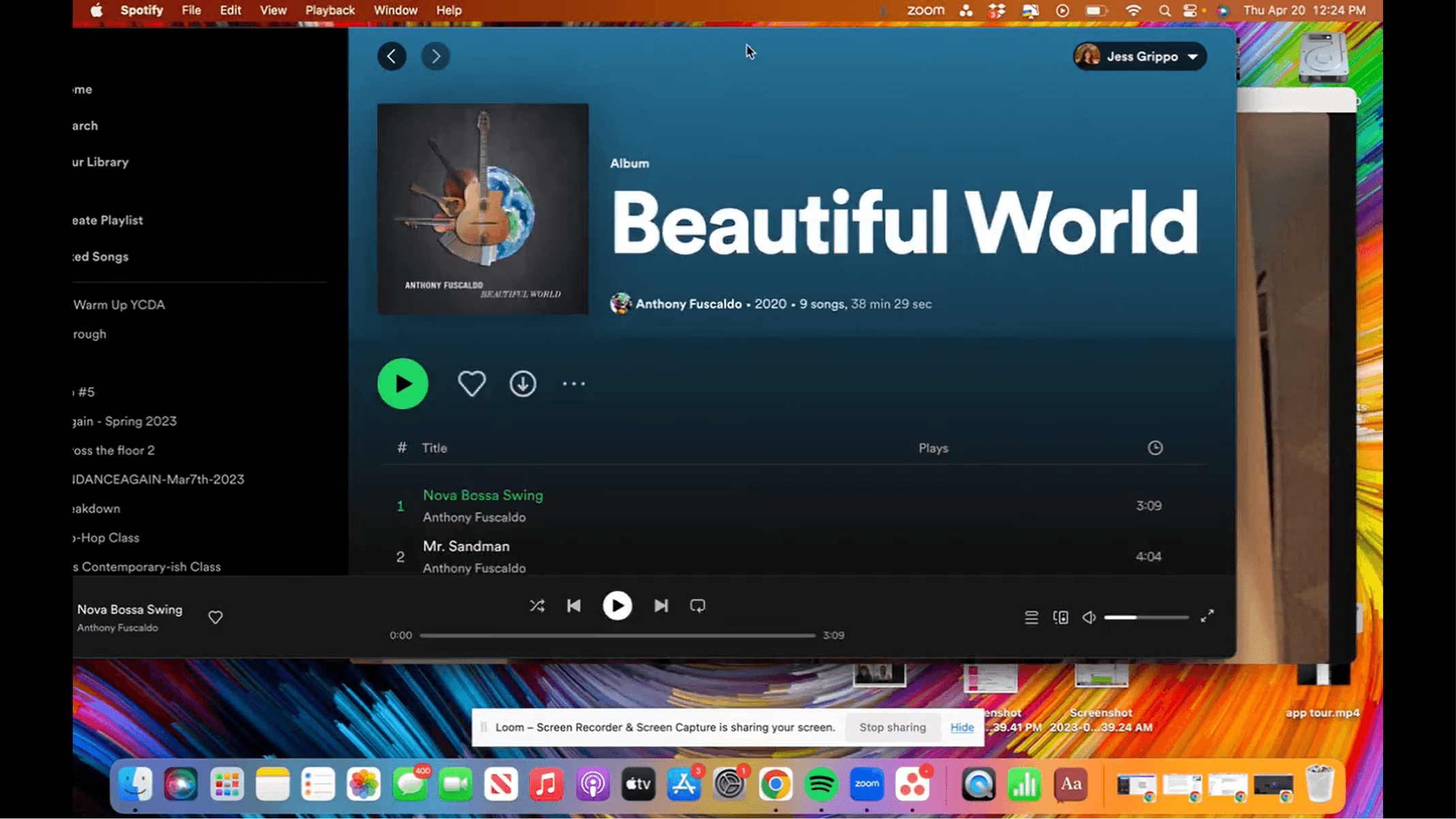
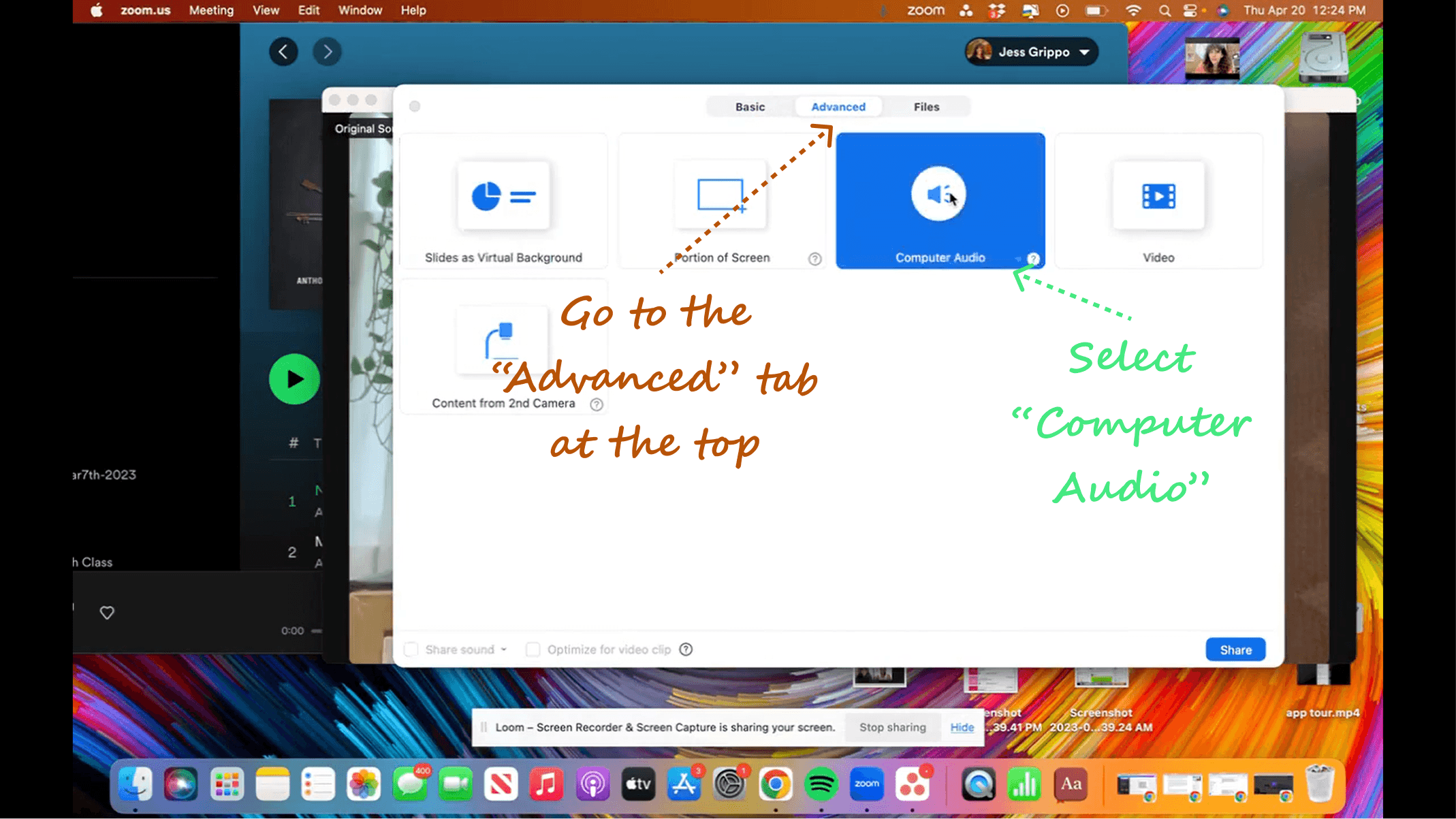
Enable Audio Share
Use Zoom’s “Share Computer Audio” option for music playback.
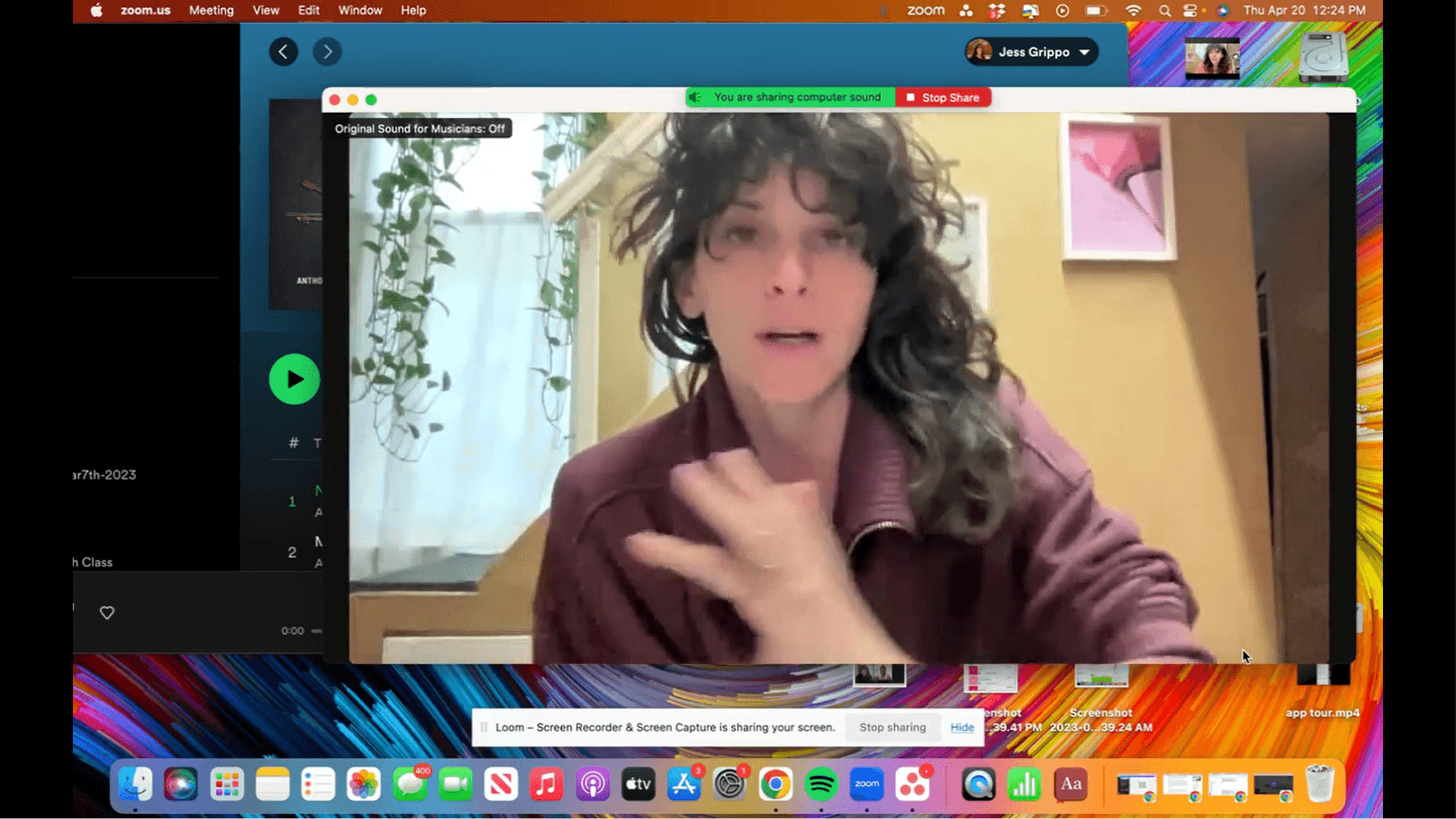
Use Bluetooth Mic
Connect Bluetooth earbuds to act as your microphone.
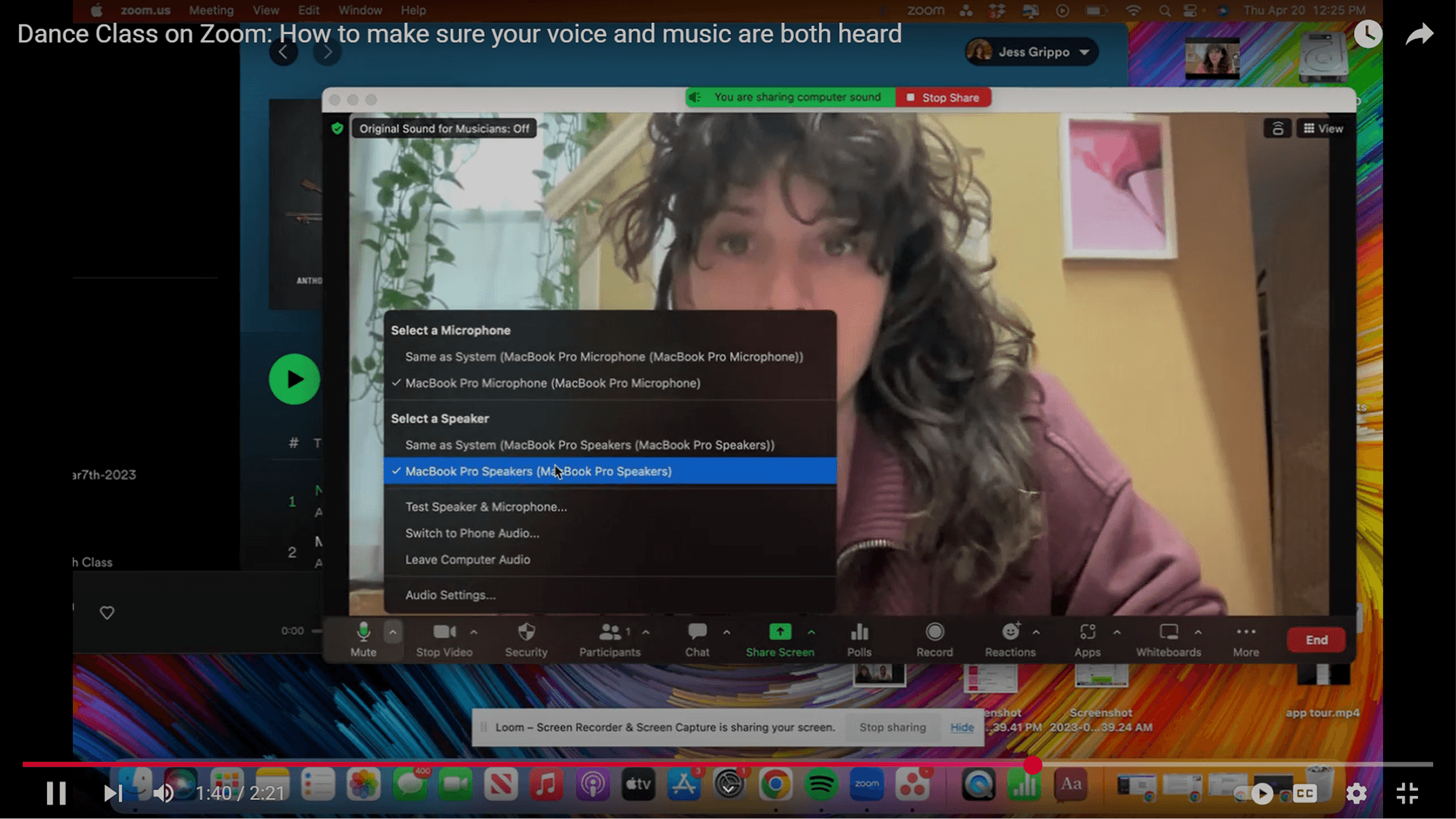
Set Audio Devices
Choose Bluetooth for mic input and set your desired speaker output.

Connect Studio Speakers
(Optional) Use an AUX cable to play music through external speakers.
Teach with Sync
Your voice and music will now be clearly heard together by students.
User Journey Map

Project Phases and Milestones
The project had four milestones, divided into two phases.
Phase 1 included the first two milestones, where I focused on research, collecting data, and understanding how users currently use Zoom.
Phase 2 included the next two milestones, where I selected performing artists as the main users and shifted the product direction from Zoom for business and education to Zoom for performing artists.
Zoom for Business & Education → Zoom for Performing Artists
Click here for Phase 2: Zoom for Performing Artists